
Foundation
AI-Generated Pivot Tables & Slicers
Overview
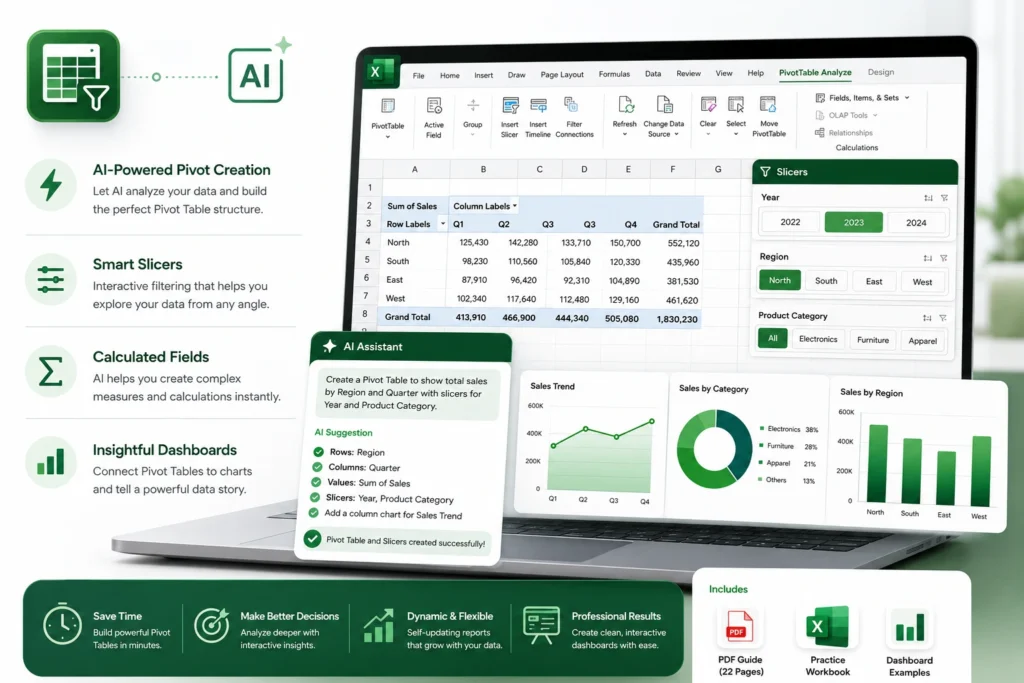
Stop manually building and refreshing Pivot Tables. This course teaches you how to utilize AI to instantly generate the perfect Pivot structure, configure complex fields, and insert interactive Slicers that allow for deep-dive data exploration. Learn how to transform static data into dynamic, self-updating reports that help you make better business decisions in half the time.
What You Will Learn
Instant Structure Creation
Use AI to analyze your dataset and suggest the most effective way to arrange Rows, Columns, and Values for your specific goal.
Slicer Orchestration
Master the technique of using AI to design logical Slicer groupings that filter your data with one click.
Calculated Field Automation
Learn how to prompt AI to create complex calculated fields and measures that standard Pivot Tables can't do alone.
Visual Storytelling
Discover the AI-assisted workflow for syncing Pivot Tables with charts to create professional, board-ready dashboards.
What’s Included
1 x Comprehensive PDF Guide (22 Pages)
A step-by-step masterclass covering data preparation, AI-assisted Pivot design, and Slicer customization.
1 x Excel Practice Workbook (.xlsx)
A "Dashboard Builder" dataset, structured to allow you to build and iterate on multiple Pivot Table layouts and Slicer configurations.
System Requirements
Software
Microsoft Excel (Desktop Version). Compatible with Excel 2016, 2019, 2021, and Microsoft 365.
Skill Level
Intermediate. Basic knowledge of Pivot Tables is helpful, but not required to benefit from the AI-integration techniques.
Delivery & Support
Instant Access
Your files will be delivered via email to your registered address immediately after your purchase is confirmed.
Support
Having trouble syncing your Slicers or calculating your fields? Our team is available to assist you at support@autoexcel.pro
Refund Policy
Please review our Refund and Return Policy for details regarding digital product access.