
Foundation
The AI-Ready Spreadsheet : Foundations
Overview
Struggling with repetitive Excel tasks that take up hours of your work week? This introductory guide helps you bridge the gap between AI and Excel automation. By leveraging AI to write, debug, and implement VBA (Visual Basic for Applications) and Macros, you can turn complex, multi-step workflows into one-click solutions.
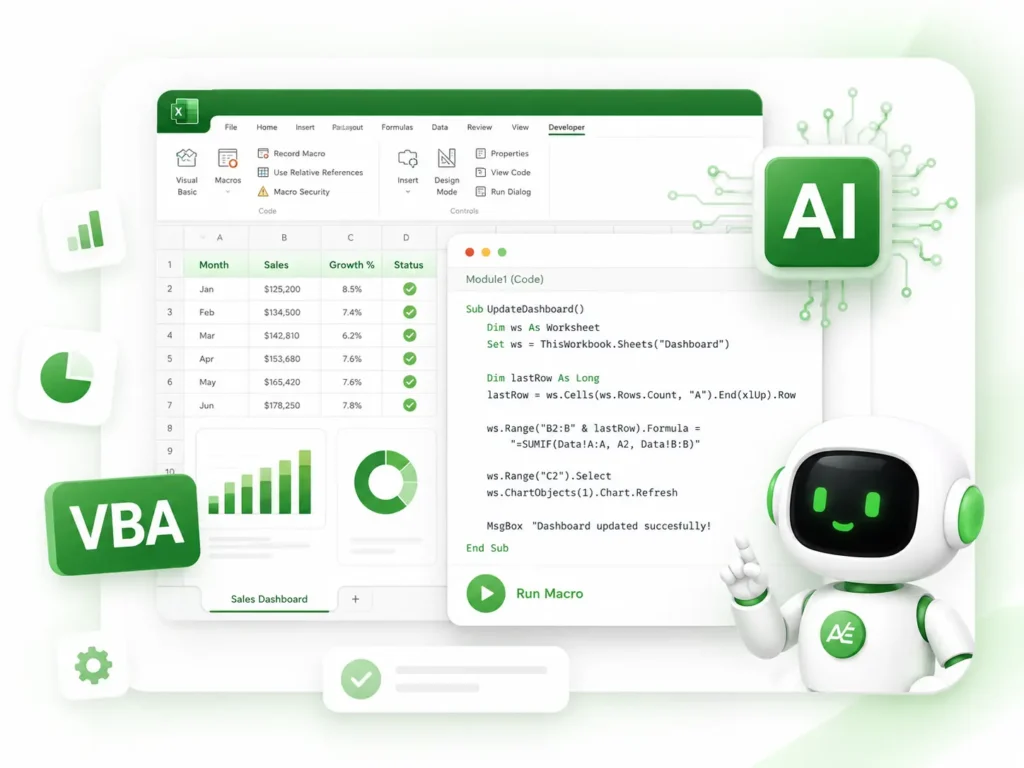
What You Will Learn
The Power of AI-Assisted Scripting
Learn how to prompt AI to write clean, efficient VBA code tailored to your specific data.
Macro Implementation
Step-by-step instructions on where and how to insert code into the Excel Developer tab.
Debugging Made Simple
Use AI to instantly identify and fix "Runtime Errors" or broken scripts that usually take hours to troubleshoot.
Workflow Automation
Practical techniques for automating formatting, report generation, and data entry.
What’s Included
1 x Comprehensive PDF Guide (45 Pages)
A detailed, easy-to-follow handbook covering foundational concepts, prompting strategies, and safety best practices. (Note: Updated for 2026).
1 x Excel Practice Workbook (.xlsx)
A pre-built file containing sample data specifically designed to test your new automation skills safely.
System Requirements
Software
Microsoft Excel (Desktop Version). Compatible with Excel 2016, 2019, 2021, and Microsoft 365.
Platform
Compatible with both Windows and macOS versions of Excel.
Skill Level
Basic familiarity with Excel (copying, pasting, and navigating tabs). No prior programming experience required.
Delivery & Support
Instant Access
This is a digital product. Once your payment is successfully processed, you will receive an automated email from support@autoexcel.pro containing your secure Google Drive download link.
Satisfaction Guarantee
We stand by the quality of our materials. Please review our Refund and Return Policy for details regarding digital file purchases.
Need Help?
Our team is here to support you. If you have any technical questions or need assistance accessing your files, please contact us at support@autoexcel.pro